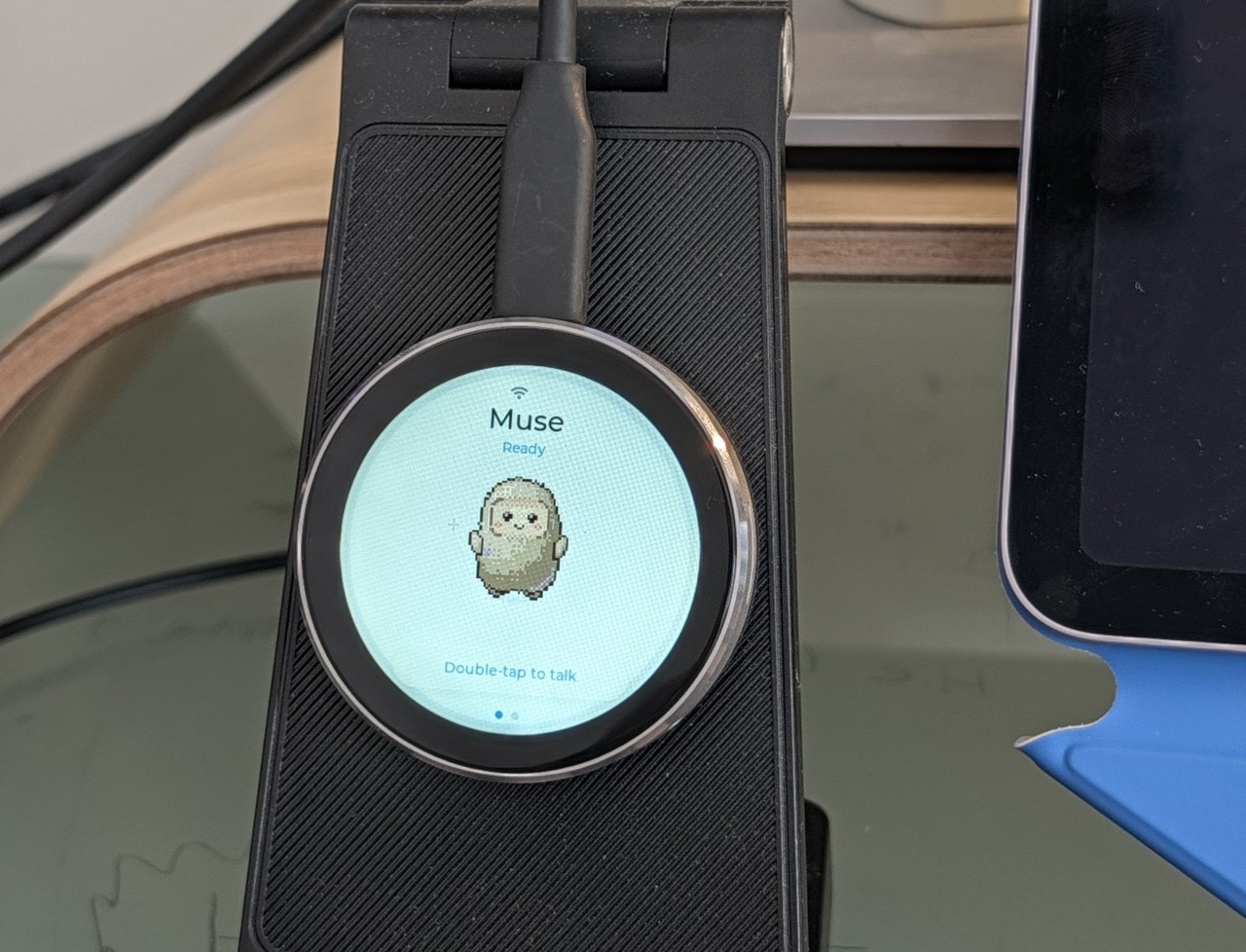
Restart RuneScape server after game patches
What it does
When a RuneScape patch drops, Muse automatically restarts your server. You simply alert it to the patch and tell it to restart, with no manual log-ins or clicking through admin panels. It signs out, performs the restart, and verifies the server is back online.
Why it's worth it
Server restarts are tedious and time-consuming, especially when patches hit at awkward hours. Automating this with Muse means your server is back online within moments of a patch alert, keeping downtime to seconds instead of the 5 to 10 minutes a manual restart would take.
Get your RuneScape server running again automatically whenever a patch drops.
Step by step
Paste it into Muse and swap the highlighted parts for your own details.
Get Muse to:
- When you get a patch notification for your RuneScape server, open Muse and say: "Restart my [server name]".
- Tell it to sign out of [my admin account] and restart the server.
- Provide [my admin credentials] so it can access the panel.
- Review and approve the restart plan before it proceeds.
- Let it complete the restart automatically.
- Ask it to verify [server name] is back online.
- Confirm players can reconnect to the server.
- Tell me when the restart is done and verified.
Expected resultYou get your server restarted and back online within minutes of the patch alert.